
Table of Contents
A standard feature is the Address, Road Name, and Suburb search at the top-right of the map window. This search is based on LINZ spatial data.
As you type in an address, road name, or suburb you will be prompted to choose an item to search.

Change Search #
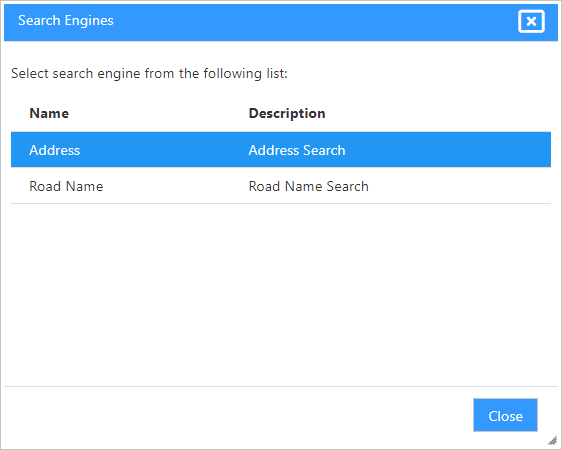
You can change the search by clicking on the “Cog” next to the search button. This will pop up a window showing available searches. Select a different search and then use the search tool to search for map features in that search.
Configuring Searches #
Your administrator can configure searches that can find information from the layers in each map. For example, park name, cemetery plot id, etc.


